
Print Warehouse Bin Labels That Keep Locations Clear
Create location labels for racks, shelves, bays, and bins with large readable text and scannable codes. Cloudlabels helps operations teams print consistent location labels at scale.
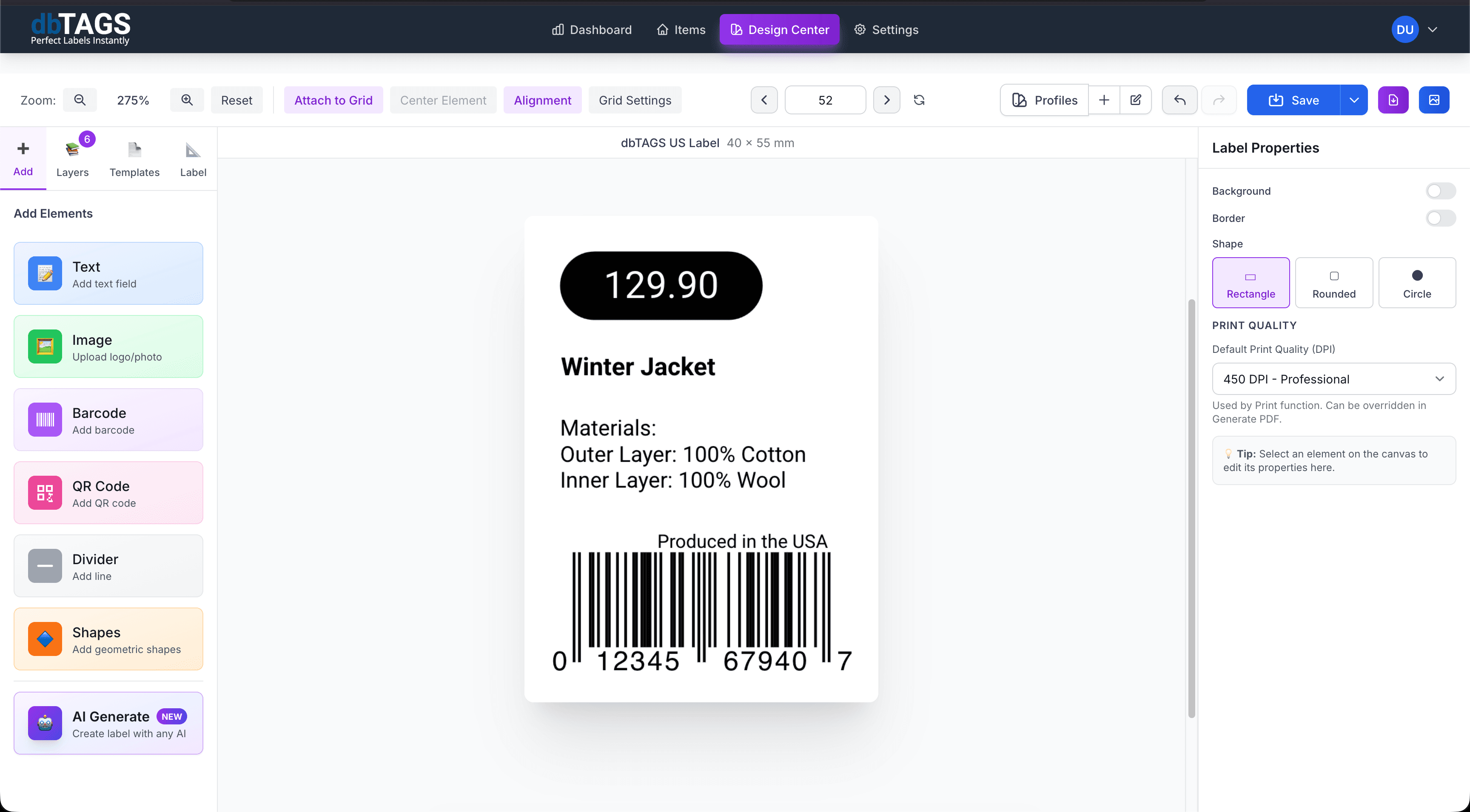
Designed for repeatable warehouse location labeling
New warehouse setups
Print consistent location labels when creating aisle, rack, and shelf structures from scratch.
Re-slotting and reorganization
Update labels in batches as bin locations change or storage layouts are reworked.
Picking and stock visibility
Make location codes easier to scan and easier to read for warehouse staff.
Cloudlabels for warehouse location labels
The workflow balances scannability, clear text hierarchy, and fast batch printing for large storage environments.
Large readable text
Print aisle, rack, shelf, and bin references clearly so labels work both up close and at a distance.
Barcode or QR code support
Add scannable codes for warehouse systems or internal lookup flows.
Spreadsheet import
Import location lists from Excel or CSV instead of typing each label by hand.
Batch PDF export
Generate a full print run for new warehouses or re-labeling projects.
Template reuse
Save one layout for all your location labels and change only the location data.
Flexible sizing
Use sheet labels or custom stock depending on shelf, rack, and bin requirements.
How warehouse teams print bin labels
Build the label once, connect it to your data, and keep the workflow ready for the next print run.
Import the location list
Bring in aisles, racks, shelves, or bin codes from your warehouse spreadsheet.
Design the location label
Choose the right size and include the readable text and scannable code fields you need.
Export and apply the labels
Print the full set for new rollouts or smaller batches for ongoing warehouse changes.
Warehouse bin label questions
Answers for teams evaluating Cloudlabels for this workflow.
Related workflows
Explore the adjacent use cases people usually compare before starting a label system.
Ready to put this labeling workflow on one system?
Start a free trial and build the layout once, then reuse it for every new print batch.
No credit card required • Cancel anytime