
Turn Shopify Product Data Into Barcode Labels Faster
Sync products from Shopify, design one reusable label, and print product, shelf, or packing labels without exporting and reformatting files every time.
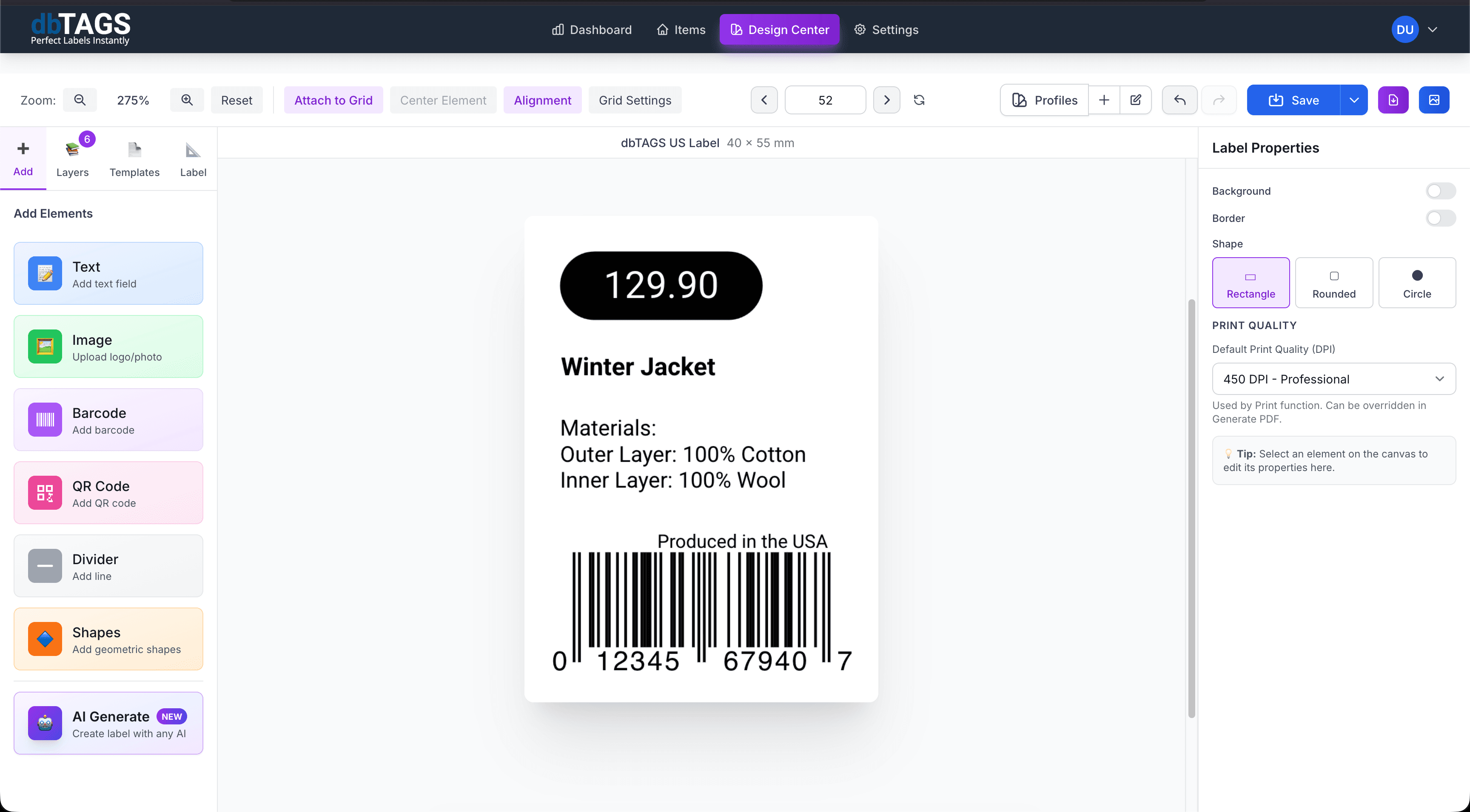
Made for stores that need labels every time the catalog changes
Retail product labeling
Print barcodes, prices, and product names from current Shopify product data instead of maintaining a second label spreadsheet.
Warehouse and pick-pack operations
Create labels for storage bins, packing stations, and outbound workflows using the same product source of truth.
Seasonal or batch updates
Reprint labels quickly when prices, SKUs, or seasonal ranges change in Shopify.
Why Cloudlabels works well for Shopify teams
The workflow is built to reduce handoffs between e-commerce, warehouse, and printing operations.
Native product sync
Import Shopify products and variants into Cloudlabels without manually rebuilding product tables.
Variant-aware label design
Use Shopify fields like title, SKU, barcode, and option values directly in the layout.
Product and warehouse use cases
Print product labels for retail display and operational labels for storage or picking.
Centralized data editing
Review imported products in one spreadsheet-style view before printing.
Template printing
Export PDFs that work with standard sheet labels or custom label sizes.
No desktop dependency
Anyone on the team can update or print labels from the browser.
A Shopify label workflow in Cloudlabels
Build the label once, connect it to your data, and keep the workflow ready for the next print run.
Sync products from Shopify
Pull in product and variant data so your labels start from live catalog information.
Create a reusable label layout
Design once with mapped fields for names, prices, barcodes, and other product details.
Export the print job
Generate product or fulfillment labels whenever the catalog changes.
Shopify label questions
Answers for teams evaluating Cloudlabels for this workflow.
Related workflows
Explore the adjacent use cases people usually compare before starting a label system.
Ready to put this labeling workflow on one system?
Start a free trial and build the layout once, then reuse it for every new print batch.
No credit card required • Cancel anytime