
Professional QR Code Labels in Minutes

Generate QR code labels for products, inventory, and marketing. Bulk creation from your data with custom colors.
Multi-column data
Custom colors
From $9.90/mo
Cloudlabels - Create professional QR code labels

QR Codes for Every Purpose

🔗

Website URLs

Link products to landing pages, product info pages, or your online store.

📱

Digital Business Cards

Encode contact information (vCard) for easy saving to phones.

📧

Email & Contact

Pre-populate email addresses, subject lines, or phone numbers.

📋

Product Information

Link to specifications, manuals, or assembly instructions.

✅

Authentication

Create unique QR codes for product authenticity verification.

🌿

Sustainability Info

Link to recycling instructions or sustainability certifications.

Powerful QR Code Features

Multi-Column QR Codes

Combine multiple data fields into a single QR code. Perfect for encoding product name, SKU, and URL together.

4 Error Correction Levels

Choose from L, M, Q, or H error correction. Higher levels allow scanning even with partial damage.

Dynamic Data Encoding

Link QR codes to database columns. Each label generates a unique QR code from your product data.

Custom Colors

Match QR codes to your brand. Customize foreground and background colors while maintaining scannability.

Scalable Vector Output

QR codes render at any size without quality loss. Perfect for both tiny labels and large signage.

Bulk Generation

Generate thousands of unique QR code labels from Excel or CSV data. Each product gets its own QR code.

Start Creating QR Code Labels Today

Join businesses generating professional QR code labels with Cloudlabels.

Frequently Asked Questions

Cloudlabels QR codes can encode any text data including URLs, product information, contact details (vCard), email addresses, phone numbers, or custom data. You can combine multiple data columns into a single QR code.
Yes! Import your product data via CSV and link QR code content to data columns. Each label automatically generates a unique QR code with that product's specific information.
Error correction allows QR codes to remain scannable even when partially damaged. Cloudlabels supports 4 levels: L (7% recovery), M (15%), Q (25%), and H (30%). Higher levels create larger QR codes but survive more damage.
Yes! Change foreground and background colors to match your brand. Our preview ensures the QR code remains scannable with your chosen colors. High contrast is recommended for reliability.
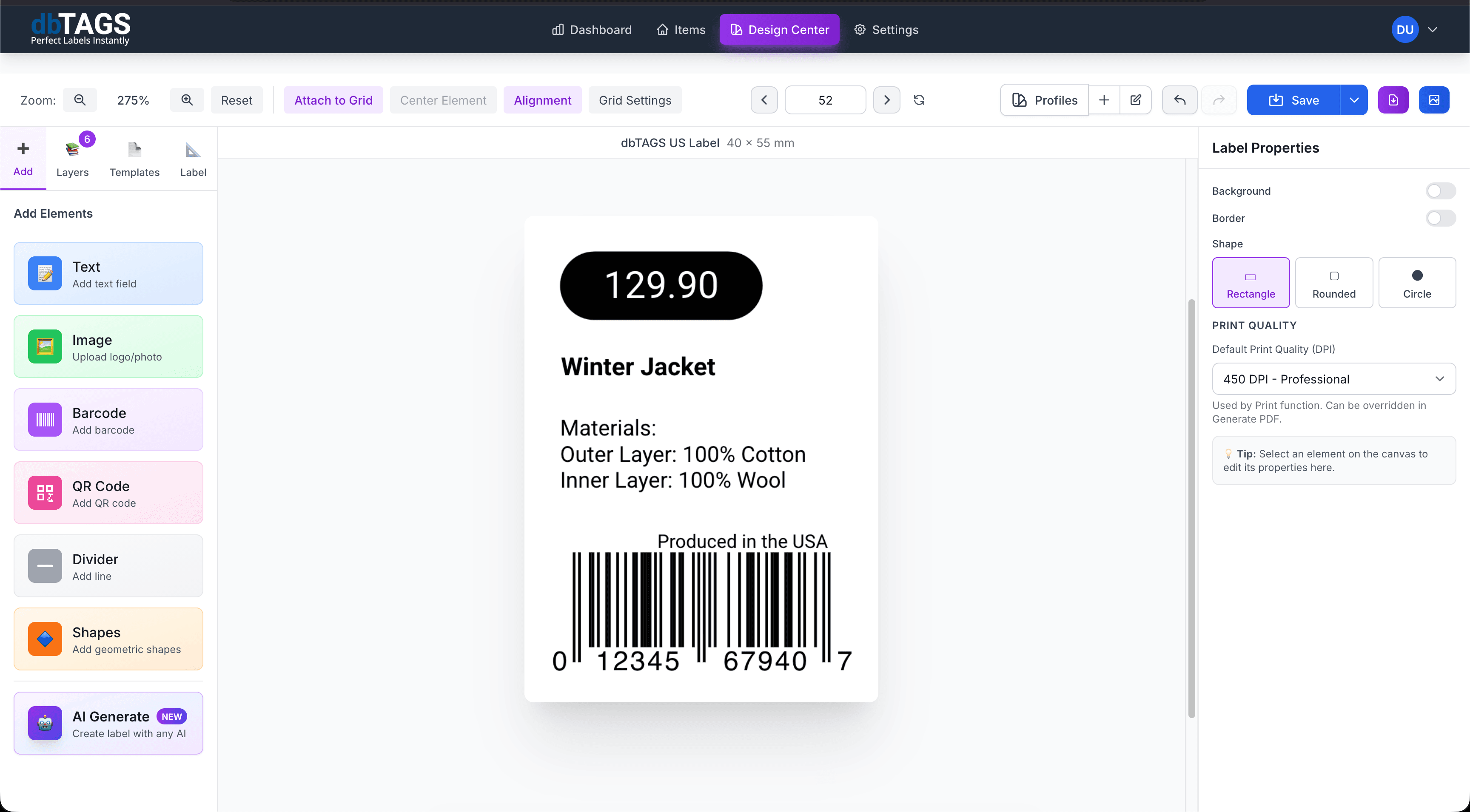
In the Design Center, drag a QR code element onto your label. Select your data source (static text or database column), choose error correction level, and position/resize as needed. Preview updates in real-time.
Minimum recommended size is 2cm x 2cm (0.8") for close-range scanning. For scanning at distance, increase size proportionally. Our 600 DPI export ensures crisp output at any reasonable size.
Absolutely! Add both barcode and QR code elements to a single label. Many users include EAN-13 for retail scanning plus a QR code linking to additional product information.
Cloudlabels creates static QR codes with the data encoded directly. For trackable/editable "dynamic" QR codes, you would need to encode a URL pointing to a redirect service you manage.