
Create Pallet Labels For Fast Warehouse And Shipping Workflows
Print pallet labels with large identifiers, scannable codes, and operational details for staging, storage, and shipment handling.
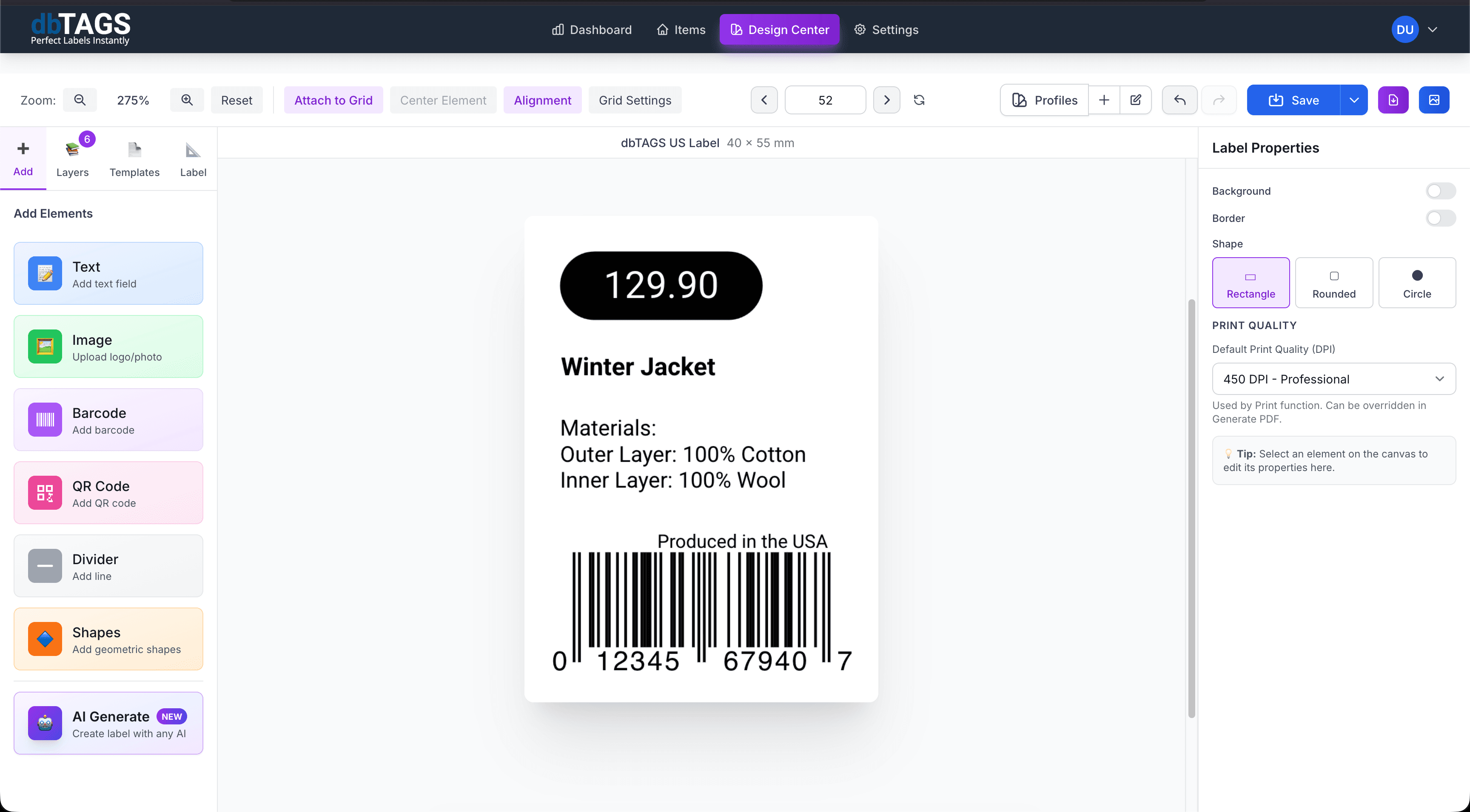
Useful when pallets need clear identity from staging to shipment
Inbound and outbound logistics
Generate pallet labels that help teams stage, route, and verify movement through the warehouse.
Storage and cross-docking
Use large readable text and scannable codes to keep pallet positions and references clear.
Batch shipping operations
Print pallet sets from exported data when shipments or warehouse jobs are prepared in bulk.
Cloudlabels for pallet labeling
The focus is on legibility, repeatability, and fast print preparation for operations-heavy teams.
Supports large data fields
Print pallet IDs, destinations, dates, batch references, and internal notes clearly.
Scannable code placement
Add barcode or QR code elements so pallets can be tracked through internal workflows.
Spreadsheet import
Use exported pallet lists from warehouse or logistics systems to drive the print run.
Reusable layouts
Create one pallet label format and reuse it for recurring shipment and storage jobs.
PDF export
Generate print-ready files for operational printing without desktop publishing tools.
Cloud access for teams
Keep the labeling workflow available to warehouse and operations staff wherever they work.
How pallet label jobs are typically handled
Build the label once, connect it to your data, and keep the workflow ready for the next print run.
Import pallet or shipment data
Load the batch details you want to print onto each pallet label.
Apply the pallet label design
Use one repeatable layout with the text hierarchy and scannable fields your team needs.
Export the print batch
Generate the labels for staging, storage, or outbound shipment handling.
Pallet label questions
Answers for teams evaluating Cloudlabels for this workflow.
Related workflows
Explore the adjacent use cases people usually compare before starting a label system.
Ready to put this labeling workflow on one system?
Start a free trial and build the layout once, then reuse it for every new print batch.
No credit card required • Cancel anytime