
Create GS1 Barcode Labels In A Workflow Your Team Can Reuse
Use Cloudlabels to design GS1-oriented labels with mapped item data, reliable print output, and reusable layouts for logistics and traceability workflows.
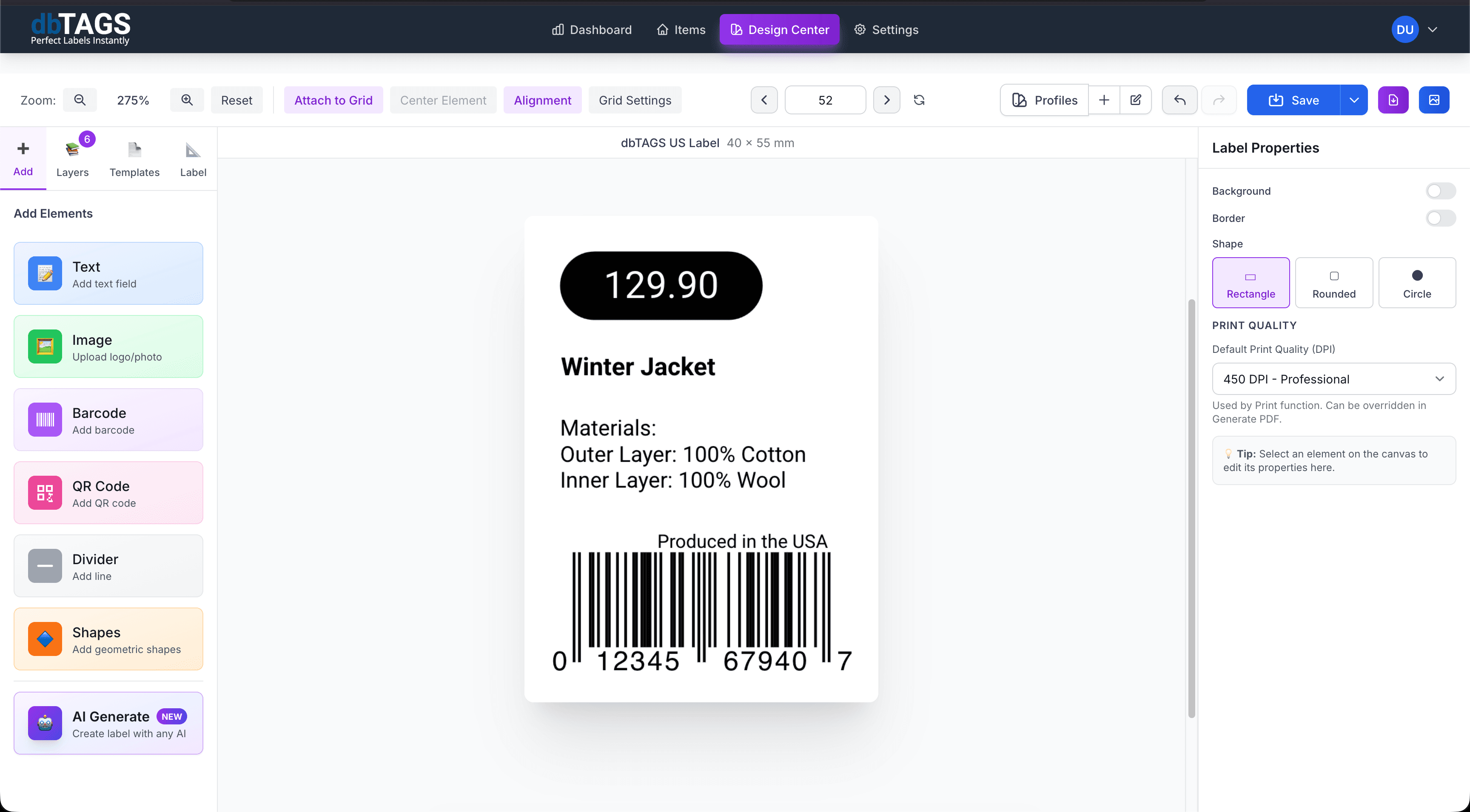
Useful for supply chain and traceability-oriented labeling
Operational traceability
Print labels that connect item data to a consistent GS1-oriented layout for scanning workflows.
Warehouse and logistics
Use GS1-compatible code formats where storage, movement, or shipping workflows rely on standard identifiers.
Healthcare and controlled environments
Create small, data-rich labels for environments where scannability and consistency matter.
Cloudlabels for GS1 label workflows
The goal is to keep the design and data process manageable even when the labels need to stay standards-aware.
GS1 DataMatrix support
Create 2D labels for workflows that need compact, data-rich code formats.
CODE-128 for logistics
Use CODE-128 based workflows where larger operational barcode labels are needed.
Field mapping from source data
Connect imported columns to the data you need to encode and display.
Reusable print layouts
Keep the label format stable across repeat production or warehouse jobs.
PDF export for reliable output
Generate files ready for operational printing rather than screen-only previews.
Browser-based access
Keep GS1-oriented label creation available without relying on a single desktop machine.
How teams handle GS1 labels with Cloudlabels
Build the label once, connect it to your data, and keep the workflow ready for the next print run.
Import the source data
Bring in the identifiers and label fields you want to include in the code and the visible layout.
Choose the right barcode setup
Build the label around the code type that fits your GS1-oriented workflow.
Export the print job
Generate a repeatable PDF output for warehouse, logistics, or traceability operations.
GS1 label questions
Answers for teams evaluating Cloudlabels for this workflow.
Related workflows
Explore the adjacent use cases people usually compare before starting a label system.
Ready to put this labeling workflow on one system?
Start a free trial and build the layout once, then reuse it for every new print batch.
No credit card required • Cancel anytime