
Create DataMatrix Labels When Space Is Tight But Data Still Matters
Cloudlabels helps teams print compact, scannable DataMatrix labels with mapped data fields and repeatable layout control for operational and traceability use cases.
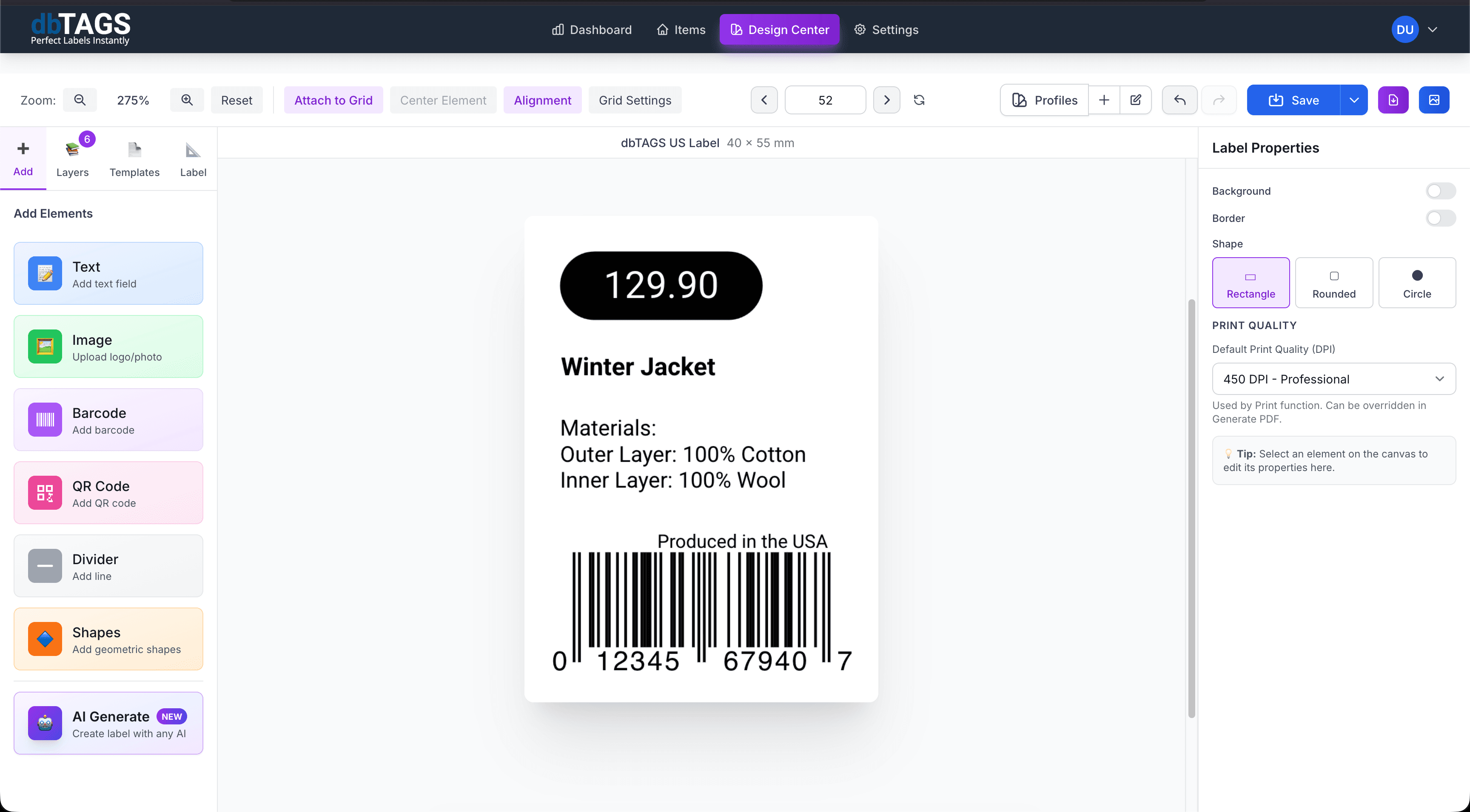
A good fit for labels with limited physical space
Small parts and components
Use DataMatrix when a traditional linear barcode takes too much room on the label.
Traceability workflows
Print more data into a compact code while keeping the visible label text clean and readable.
Operational relabeling
Reuse the same DataMatrix layout for recurring batches of parts, products, or internal stock.
Why teams choose DataMatrix workflows in Cloudlabels
The design workflow keeps compact codes manageable while still giving teams enough control over the printed layout.
DataMatrix and GS1 DataMatrix support
Use the right 2D code type for your product, traceability, or internal identification workflow.
Compact label design
Keep the layout efficient when text, identifiers, and code elements compete for space.
Spreadsheet-driven generation
Import records from Excel or CSV and generate the full label batch from the same design.
Reusable templates
Save a small-format layout once and apply it to future product or component batches.
High-resolution PDF export
Generate print files intended to preserve code clarity for scanning.
Works alongside other label types
Use DataMatrix for compact labels and keep other workflows such as EAN or CODE-128 in the same system.
How DataMatrix label jobs typically work
Build the label once, connect it to your data, and keep the workflow ready for the next print run.
Import the item or component list
Bring in the data that should appear on the label and inside the code.
Design a compact label layout
Balance the DataMatrix element with readable text and any other required fields.
Export the print set
Generate the labels for product, component, or internal tracking workflows.
DataMatrix label questions
Answers for teams evaluating Cloudlabels for this workflow.
Related workflows
Explore the adjacent use cases people usually compare before starting a label system.
Ready to put this labeling workflow on one system?
Start a free trial and build the layout once, then reuse it for every new print batch.
No credit card required • Cancel anytime