
Turn CSV Files Into Label Print Jobs In Minutes
Cloudlabels is built for recurring CSV-based workflows. Upload the file, map columns once, and print batches of labels without hand-editing every export.
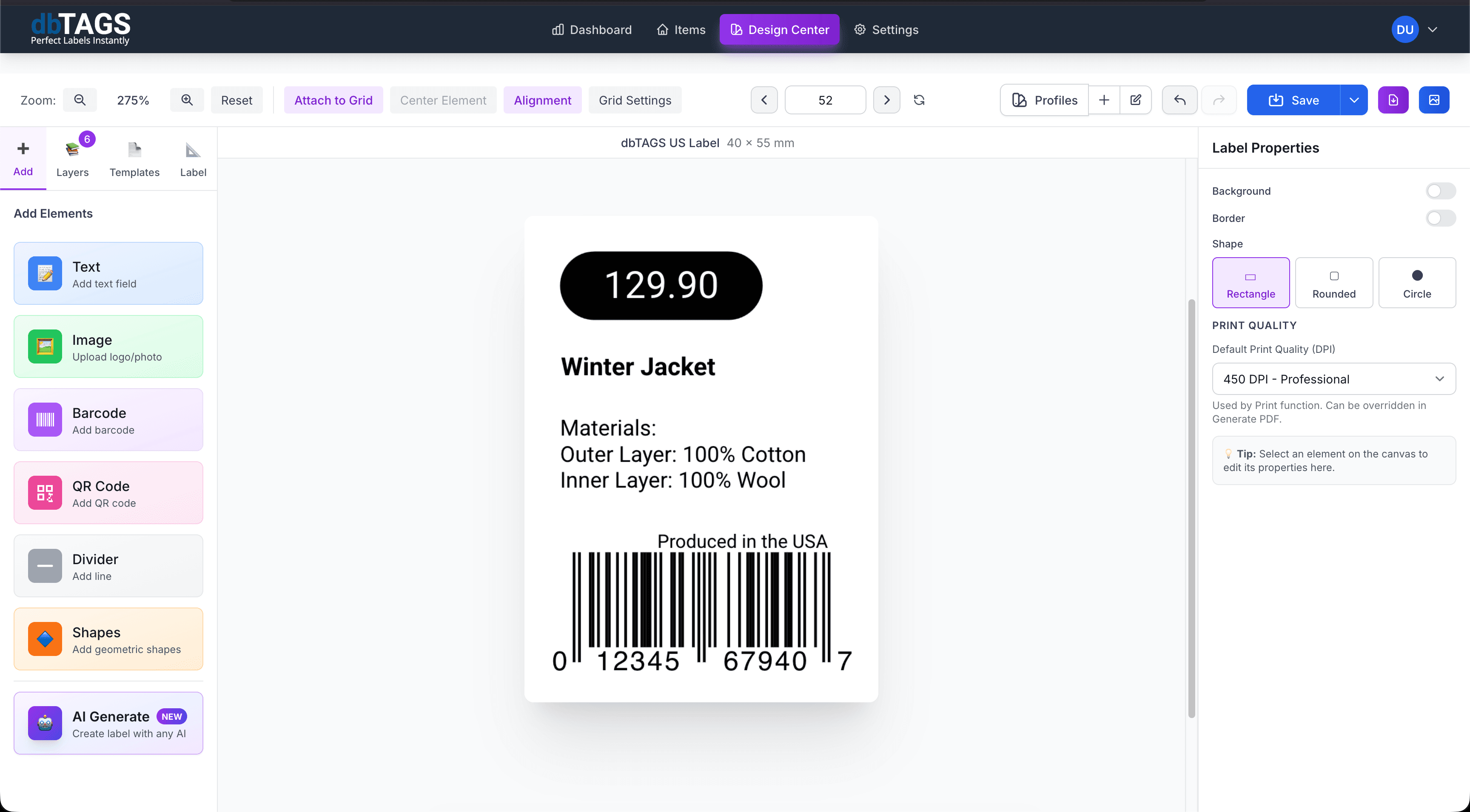
A good fit for repeated exports from other systems
ERP and warehouse exports
Use CSV files from other systems to print storage, shipping, or pallet labels with fewer manual steps.
Bulk product updates
Generate large label runs after catalog or stock updates without rebuilding each document in a design tool.
Simple operational handoffs
Teams can work from a clean CSV export rather than maintaining several separate label files.
Built for recurring CSV imports
Cloudlabels keeps the data-to-print path short so each export does not become a small formatting project.
Quick upload and review
Bring in CSV rows and confirm the imported values before creating the print job.
Reusable mapping rules
Match columns to label fields once and reuse the same layout for the next CSV batch.
Supports barcode workflows
Use existing code values from the CSV or generate scannable labels from mapped fields.
Flexible label formats
Print on common sheet templates or export for custom stock and operational labels.
Cloud access
Review, update, and print label jobs from any device with browser access.
One place for print history
Keep designs, imported data, and export logic together for repeatable operations.
A repeatable CSV label workflow
Build the label once, connect it to your data, and keep the workflow ready for the next print run.
Upload the CSV batch
Import the latest export and verify the rows inside the app.
Apply the saved label layout
Reuse your existing template and mapped fields so the design stays consistent.
Print the batch
Export the full PDF job for warehouse, product, or shipping operations.
CSV label questions
Answers for teams evaluating Cloudlabels for this workflow.
Related workflows
Explore the adjacent use cases people usually compare before starting a label system.
Ready to put this labeling workflow on one system?
Start a free trial and build the layout once, then reuse it for every new print batch.
No credit card required • Cancel anytime