
Create Asset Labels That Are Easy To Print And Easy To Track
Design asset labels with barcodes or QR codes, connect them to your item list, and print batches for office equipment, tools, storage, or internal inventory.
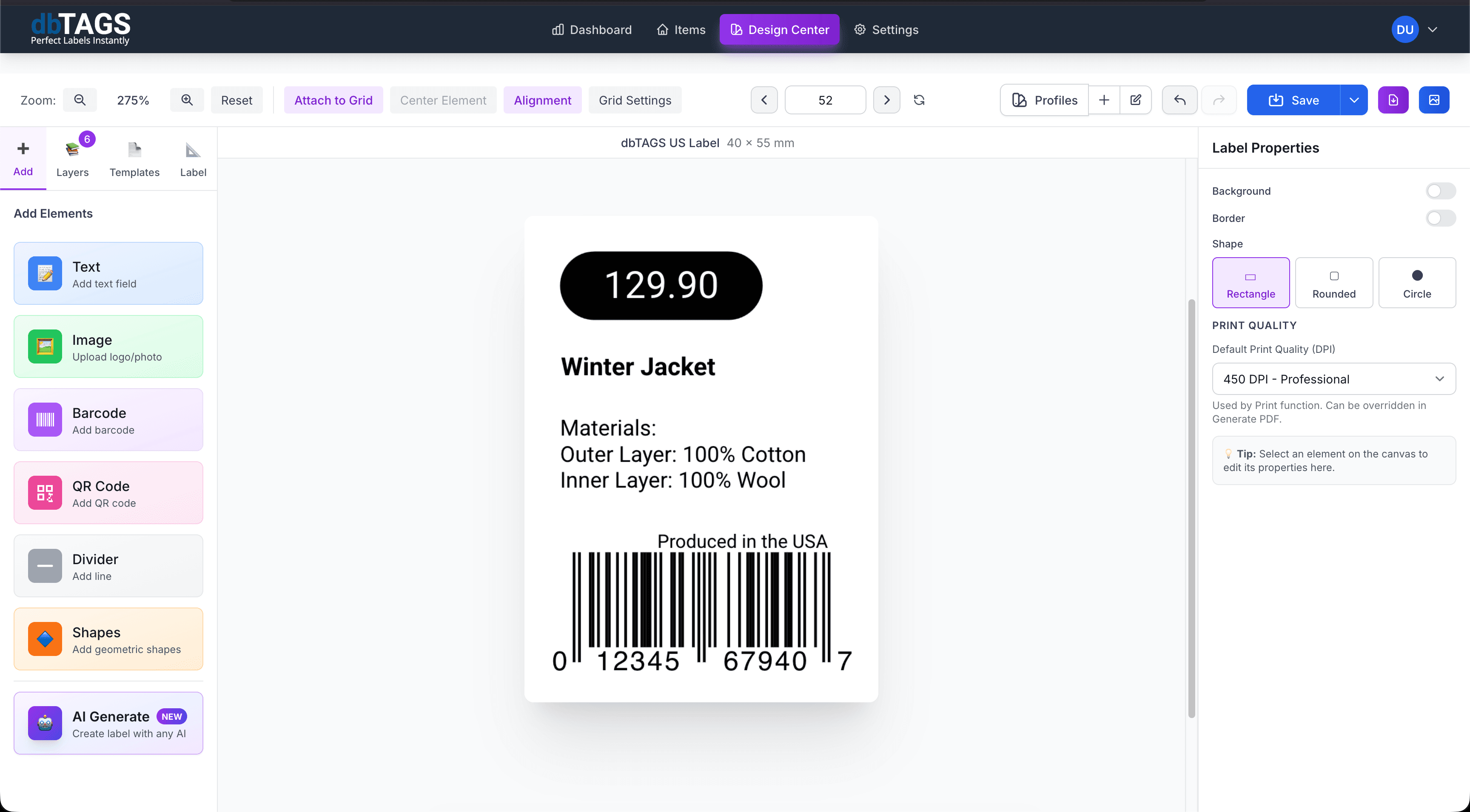
Useful for any team that needs visible, scannable asset identification
IT and office equipment
Label laptops, monitors, printers, and shared equipment with IDs that stay tied to your asset register.
Facilities and operations
Print labels for tools, storage units, service equipment, and internal resources.
Audits and handovers
Run faster audits when each asset already has a consistent printed identifier.
Cloudlabels for asset tagging
The workflow is designed for repeatability when your asset list changes and labels need to stay consistent.
Supports barcode and QR labels
Choose the code format that best fits your scanning workflow and available space.
Variable data fields
Print asset IDs, owner names, departments, serial numbers, or locations from imported data.
Template reuse
Keep one design for a whole asset category and reprint batches whenever records change.
Batch export
Generate PDFs for large groups of assets without manually updating each tag.
Cloud collaboration
Operations and admin teams can work from the same asset label setup.
Flexible label sizes
Print on sheet templates or custom label stock depending on the asset size and environment.
How teams create asset labels
Build the label once, connect it to your data, and keep the workflow ready for the next print run.
Import or create the asset list
Bring in your current asset register from Excel or CSV, or build it in the app.
Design the tag layout
Place the asset ID, descriptive text, and barcode or QR code in one reusable design.
Print batches for deployment
Export the label set and print it for rollouts, audits, or replacement tags.
Asset label questions
Answers for teams evaluating Cloudlabels for this workflow.
Related workflows
Explore the adjacent use cases people usually compare before starting a label system.
Ready to put this labeling workflow on one system?
Start a free trial and build the layout once, then reuse it for every new print batch.
No credit card required • Cancel anytime